> For the complete documentation index, see [llms.txt](https://docs.cloudfactory.com/llms.txt). Markdown versions of documentation pages are available by appending `.md` to page URLs; this page is available as [Markdown](https://docs.cloudfactory.com/import-formats/import-annotations-beta/object-detection-labels-import.md).
# Object Detection labels import
Imagine having an Object Detection dataset with the annotations in the COCO format. How would you import annotations in such a case? Well, you can simply follow the steps mentioned on the [Import annotations (Beta)](about:/docs/userdocs/import-formats/import-annotations-beta#import-annotations-beta) page. Let's see how it works.
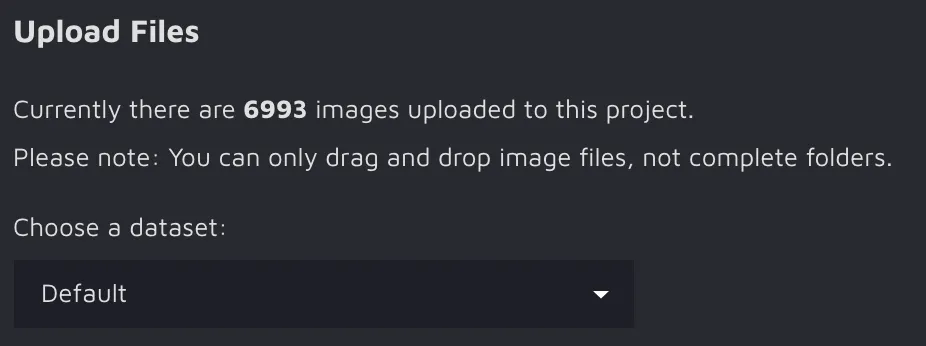
First, you need to [create](about:/docs/userdocs/projects/creating-and-editing-a-project#creating-and-editing-a-project) your Hasty project and [upload](about:/docs/userdocs/projects/creating-and-editing-a-project/upload-images#upload-images) images to it. These steps are straightforward and should not cause any trouble.
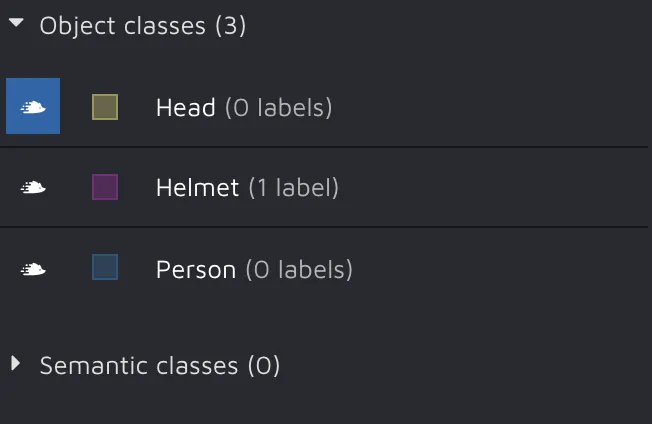
Second, you must [create](about:/docs/userdocs/projects/creating-and-editing-a-project/classes-and-attributes#classes-and-attributes) the label classes and attributes you will use in your project. Simply follow the guide from the documentation, and it will take you seconds to do.
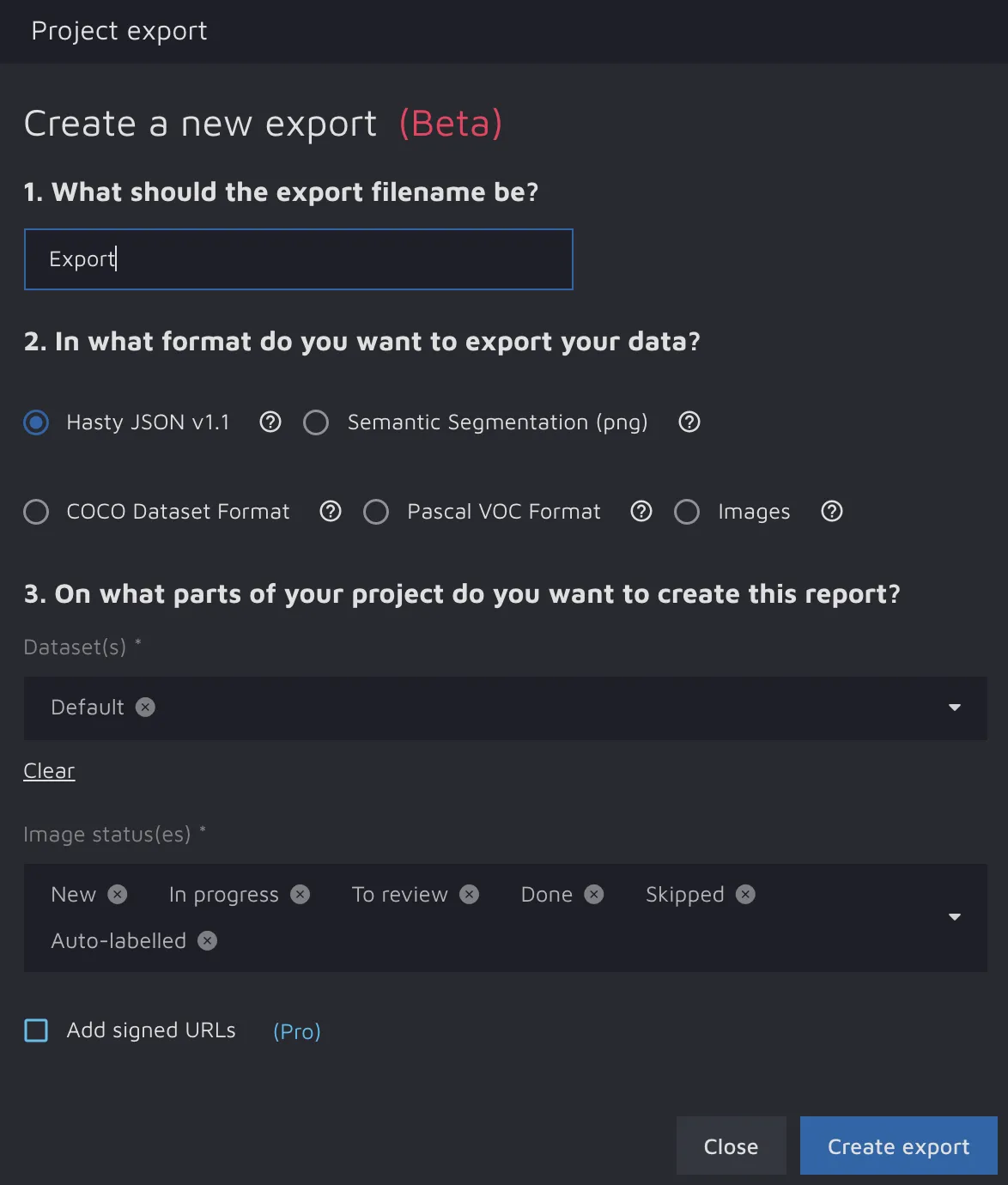
Third, [export](about:/docs/userdocs/projects/exporting-data#exporting-data) your project in the Hasty JSON v1.1 format through the Export data feature.
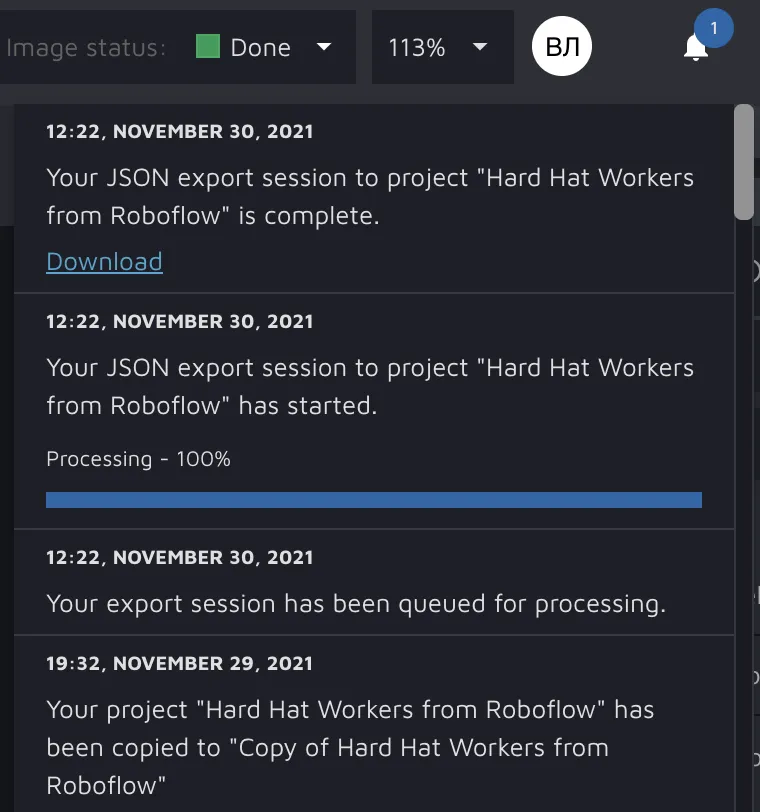
By clicking the notification button on the upper right side of the screen, you can download the result of your export session.
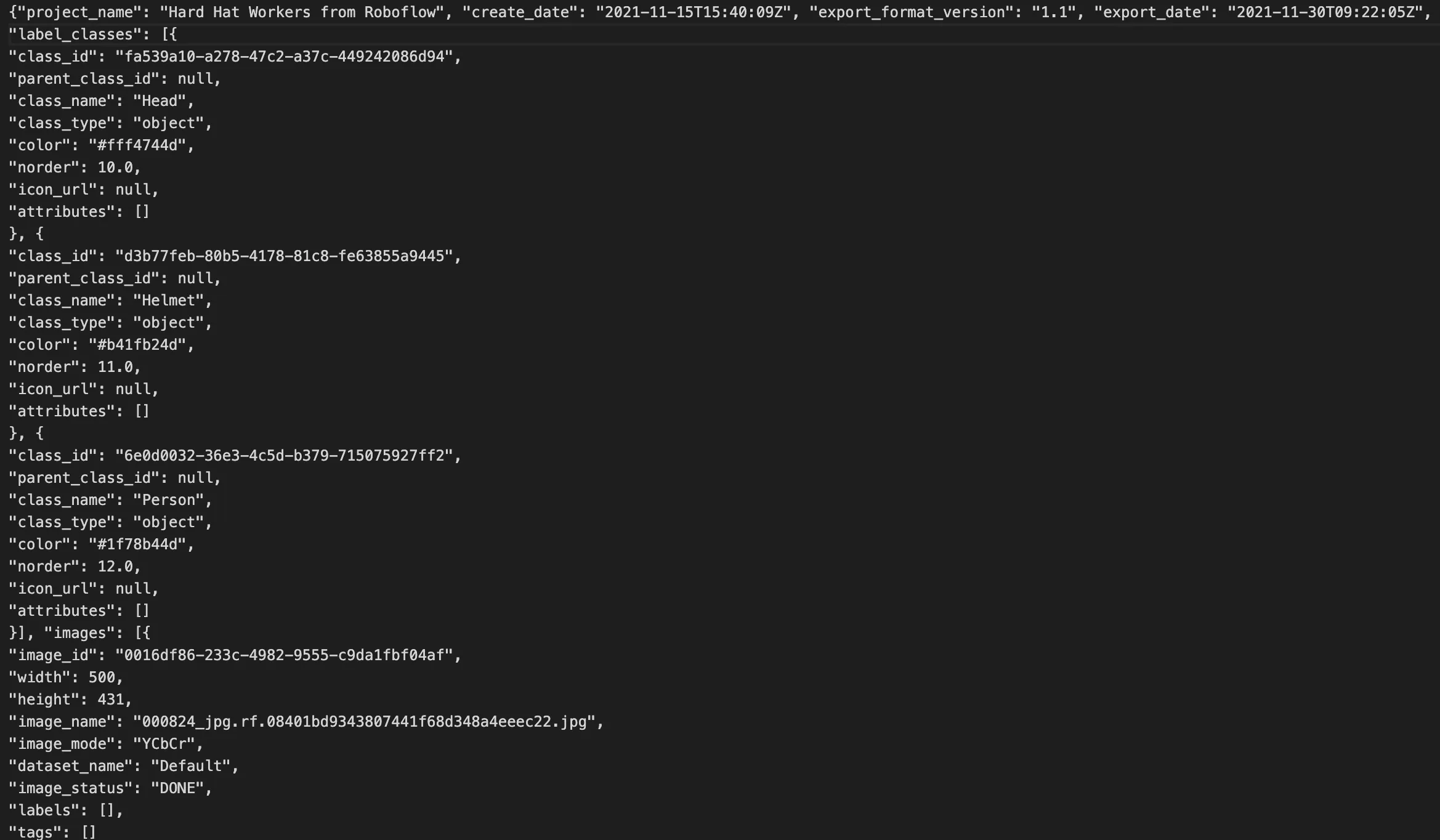
In the ZIP archive, there will be a JSON file containing the information about your project.
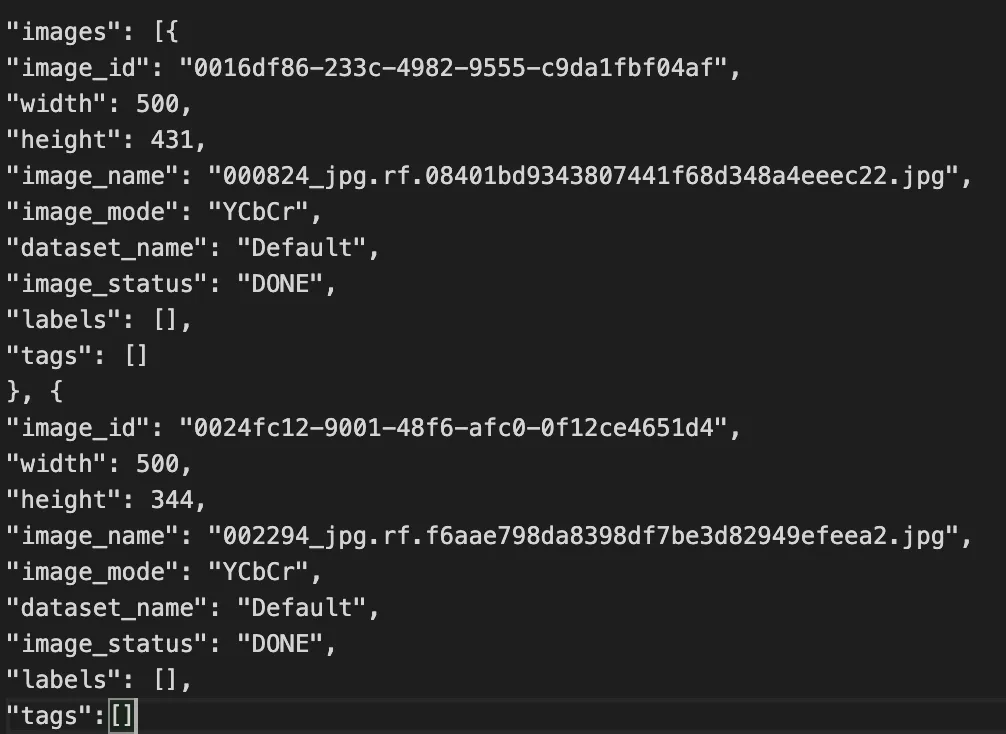
Since there are no annotations in your project yet, the list accessible by the 'labels' key for each image will be empty.
Please note that in Hasty JSON v1.1 format, all the information about images is stored as a Python list under the **'images'** key. Also, images' data is represented in the form of a Python dictionary. So, annotations should be stored under the **'labels'** key for each image. Let's expand our JSON file and add annotations to the corresponding images.
As mentioned above, your initial labels are in the COCO format, so it will require some coding to add the annotations to Hasty’s JSON file. However, if you are familiar with Python, it will not be a problem for you. Otherwise, please check the example script for converting COCO Object Detection annotations to Hasty ones below.
```python
import json
path_to_initial_labels = 'path/to/the/file/with/initial/labels' # should be in COCO format
path_to_hasty_file = 'path/to/the/exported/file/' # this one will be expanded
with open(path_to_initial_labels, 'r') as file: # reading the file with initial labels
initial_labels = json.load(file)
with open(path_to_hasty_file, 'r') as file: # reading the file that will be expanded
hasty_file = json.load(file)
def return_class(idx): # this function returns a class label based on the index from COCO annotations
if idx == 1:
return 'Class 1'
if idx == 2:
return 'Class 2'
if idx == 3:
return 'Class 3'
...
def cocobbox2hastybbox(x, y, w, h): # COCO bbox format is [X_top_left, Y_top_left, Bbox_width, Bbox_height]
x1, y1 = x, y
x2, y2 = x + w, y + h
return [x1, y1, x2, y2] # Hasty bbox format should be [X_top_left, Y_top_left, X_bottom_right, Y_bottom_right]
def check_an_upload(initial_labels, name): # checking if the image is uploaded to Hasty (some images might fail to upload)
for j in initial_labels:
if name == j['file_name']:
return j['id']
return -1
for i in hasty_file['images']: # going through the images
idx = check_an_upload(initial_labels['images'], i['image_name'])
if idx == -1: # if the image is not uploaded move on to the next one
continue
for j in initial_labels['annotations']: # expanding the Hasty file by adding annotations to the corresponding images
if z['image_id'] - 1 == idx:
break
if z['image_id'] == idx:
i['labels'].append({'class_name': return_class(z['category_id']),
'bbox': yolobbox2bbox(z['bbox'][0], z['bbox'][1], z['bbox'][2], z['bbox'][3])}.copy())
with open(path_to_hasty_file, "w") as out_file: # saving the expanded file
json.dump(hasty_file, out_file)
```
Now you have a JSON file in the Hasty supported format that contains all the annotations. To ensure that your file is ready to be imported, double-check whether it corresponds to JSON format. There are a lot of free online checkers that are up to the task, so you will quickly get the answer. If there is some error, return to your code and search for the mistake that messes up the JSON format.
The last step is to [upload](about:/docs/userdocs/import-formats/import-annotations-beta#import-annotations-beta) the expanded JSON file to the Hasty project. At this point, you have already done the most challenging part, so you can relax and enjoy the growing download and parsing percentage. If your import is successful, you will see the following picture.
Excellent, the annotations are imported, and you can start analyzing them with Hasty capabilities, for example, assure the quality of these labels with [AI Consensus Scoring](about:/docs/userdocs/quality-assurance-and-control/error-finder#error-finder). Hopefully, this example and general import workflow will help you to import annotations to a project successfully.
---
# Agent Instructions
This documentation is published with GitBook. GitBook is the documentation platform designed so that both humans and AI agents can read, navigate, and reason over technical content effectively. Learn more at gitbook.com.
## Querying This Documentation
If you need additional information that is not directly available in this page, you can query the documentation dynamically by asking a question.
Perform an HTTP GET request on the current page URL with the `ask` query parameter, and the optional `goal` query parameter:
```
GET https://docs.cloudfactory.com/import-formats/import-annotations-beta/object-detection-labels-import.md?ask=&goal=
```
`ask` is the immediate question: it should be specific, self-contained, and written in natural language.
`goal` is optional and describes the broader end goal you are ultimately trying to accomplish on behalf of the user. GitBook uses it to tailor the answer towards what is most useful for that goal.
The response will contain a direct answer to the question and relevant excerpts and sources from the documentation.
Use this mechanism when the answer is not explicitly present in the current page, you need clarification or additional context, or you want to retrieve related documentation sections.